
Not sure what to set aside
Income changes every month, so the amount for taxes stays a guess you do not quite trust.
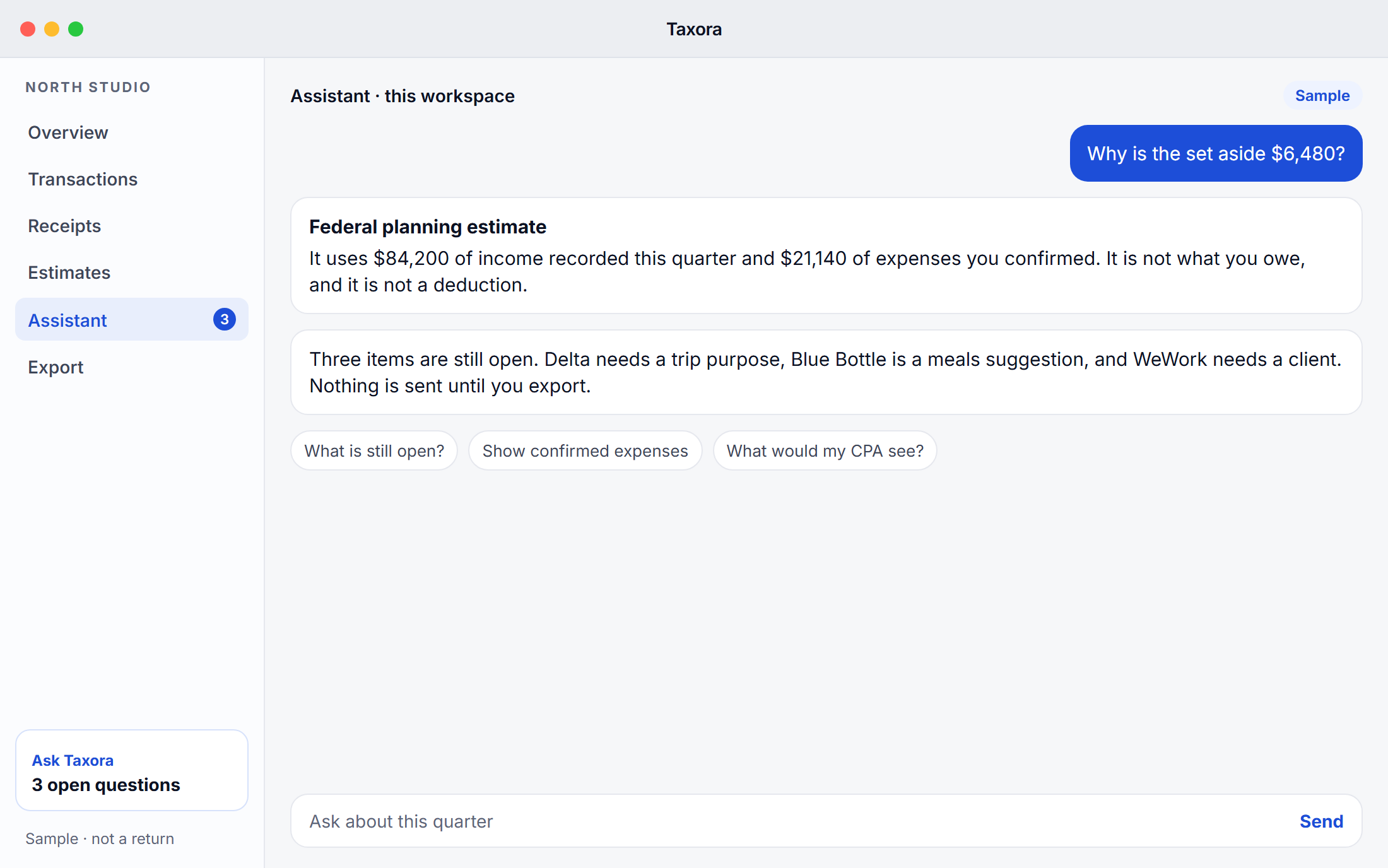
Taxora keeps a running federal estimate from the income you record, and labels it as an estimate.
Private tax desk for Mac and Windows
AI-powered tax assistant for Mac and Windows. Track expenses, calculate quarterly estimates, and prepare clean reports for your CPA.
Available for Mac and Windows. On that computer, the download matches it.
Free for 30 days · No credit card required
Taxora provides estimates and organization tools only. It is not a substitute for professional tax advice.
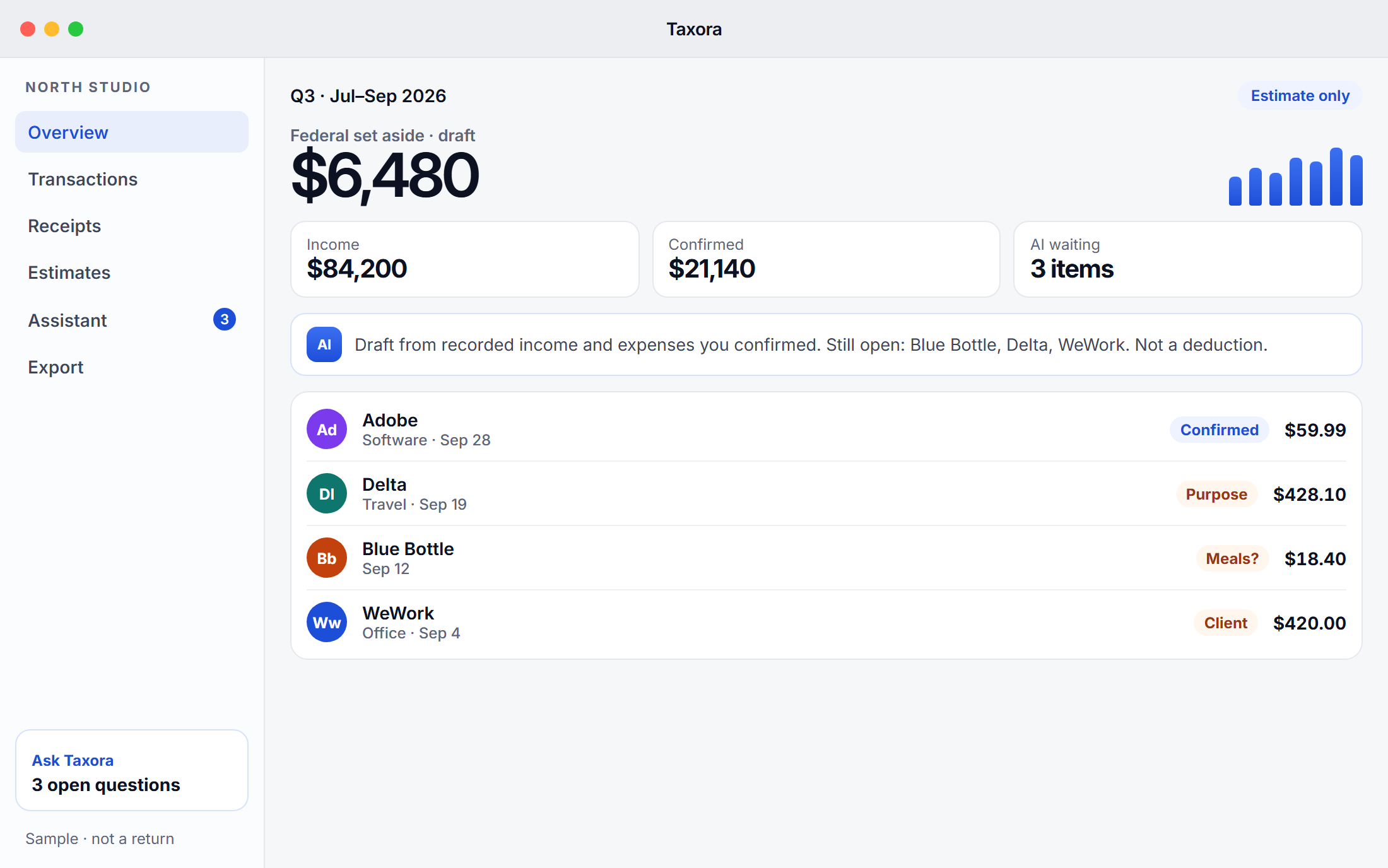
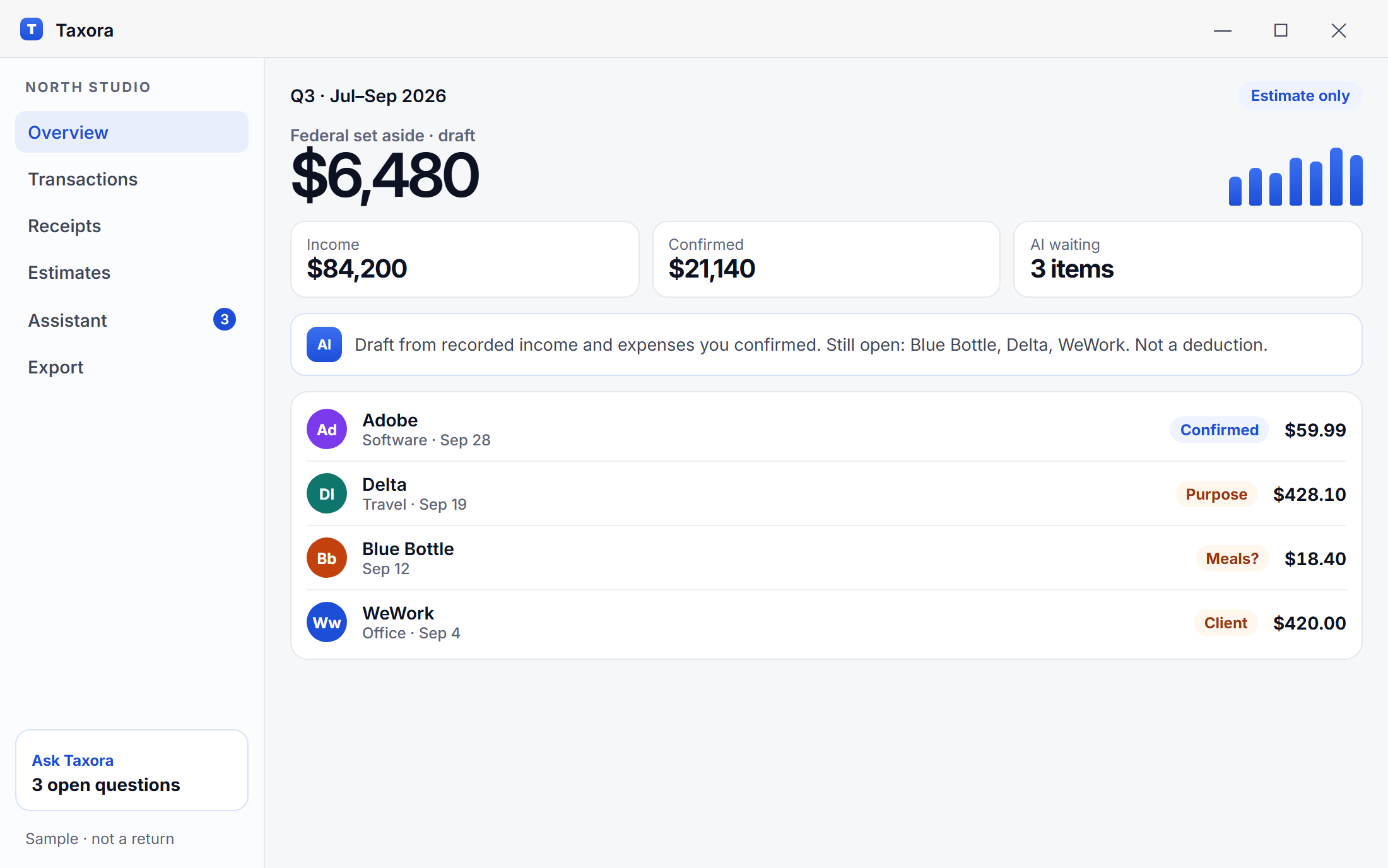
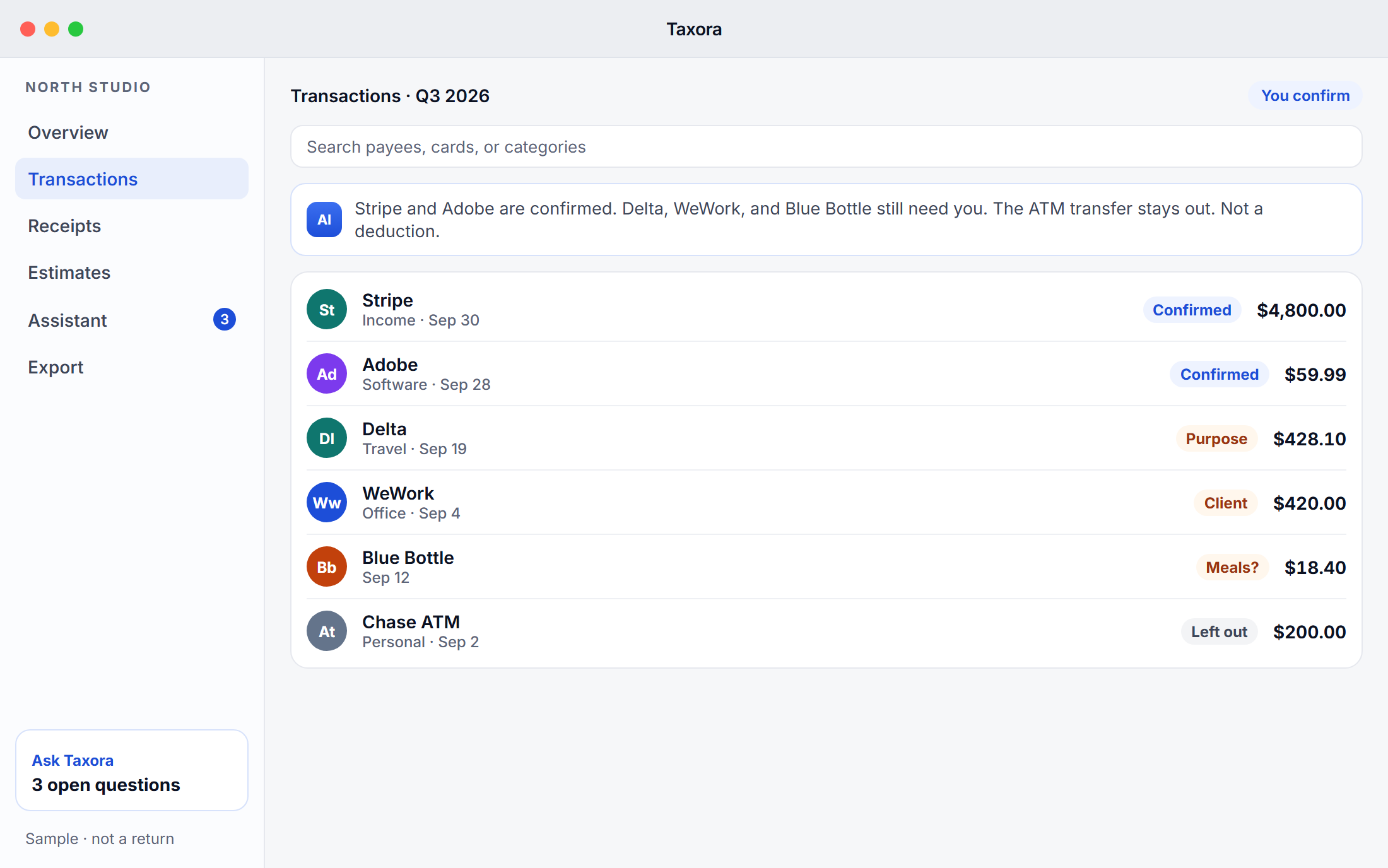
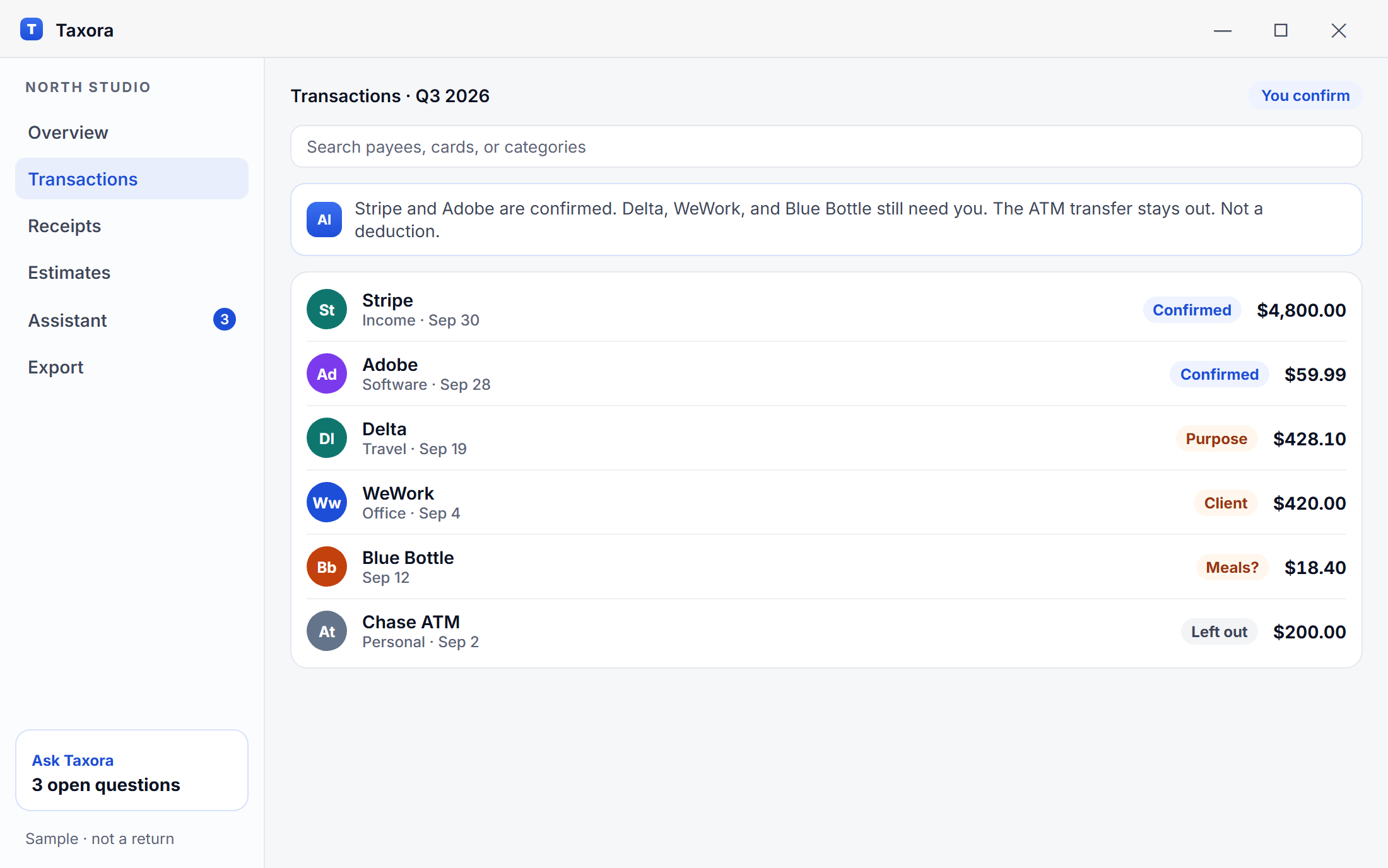
macOS · Overview
 Mac and Windows
 Bank-level encryption
 Privacy-first
 Built for US freelancers & agencies
Most people we design for are not avoiding taxes. They are tired of the scramble.
Income changes every month, so the amount for taxes stays a guess you do not quite trust.
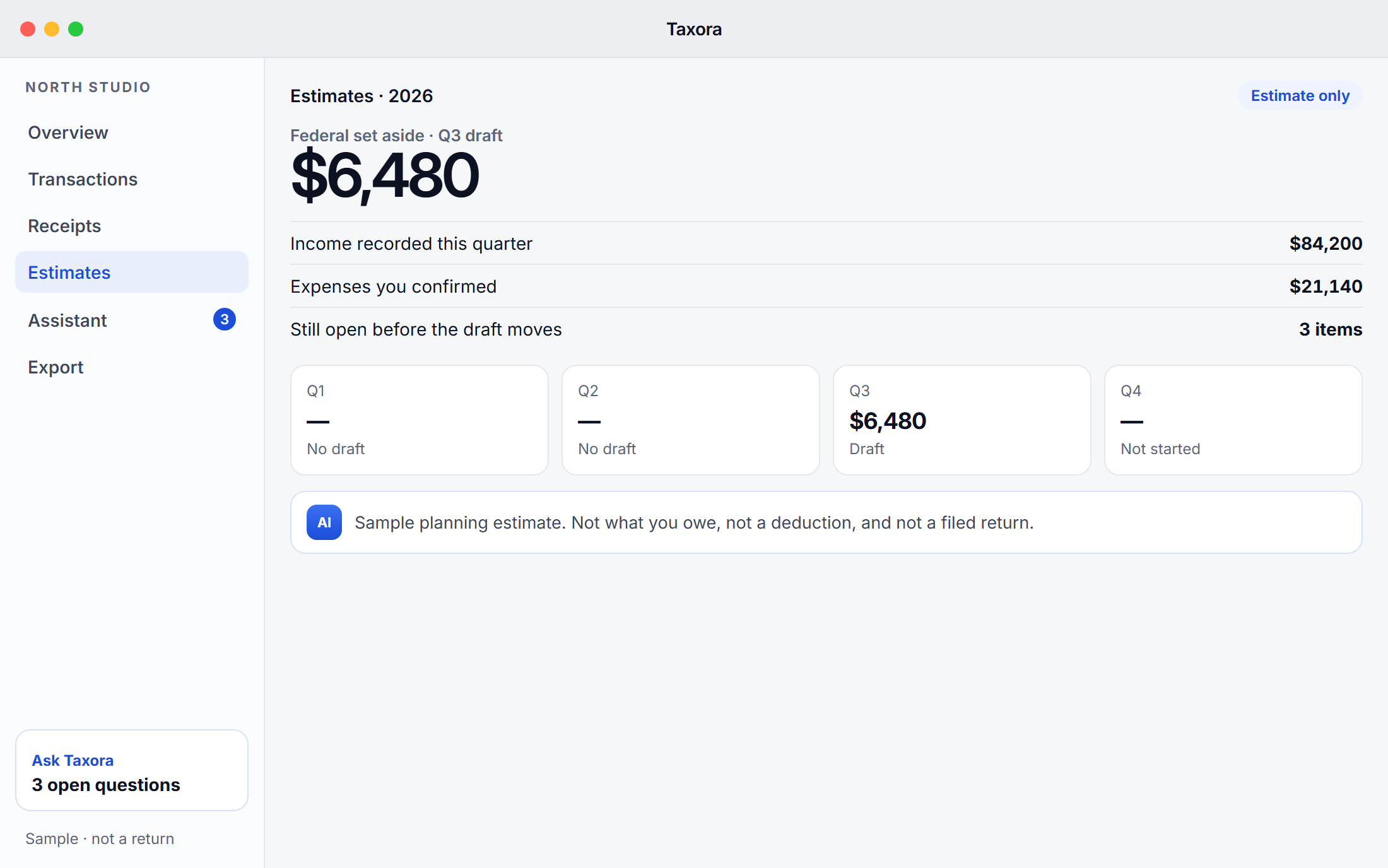
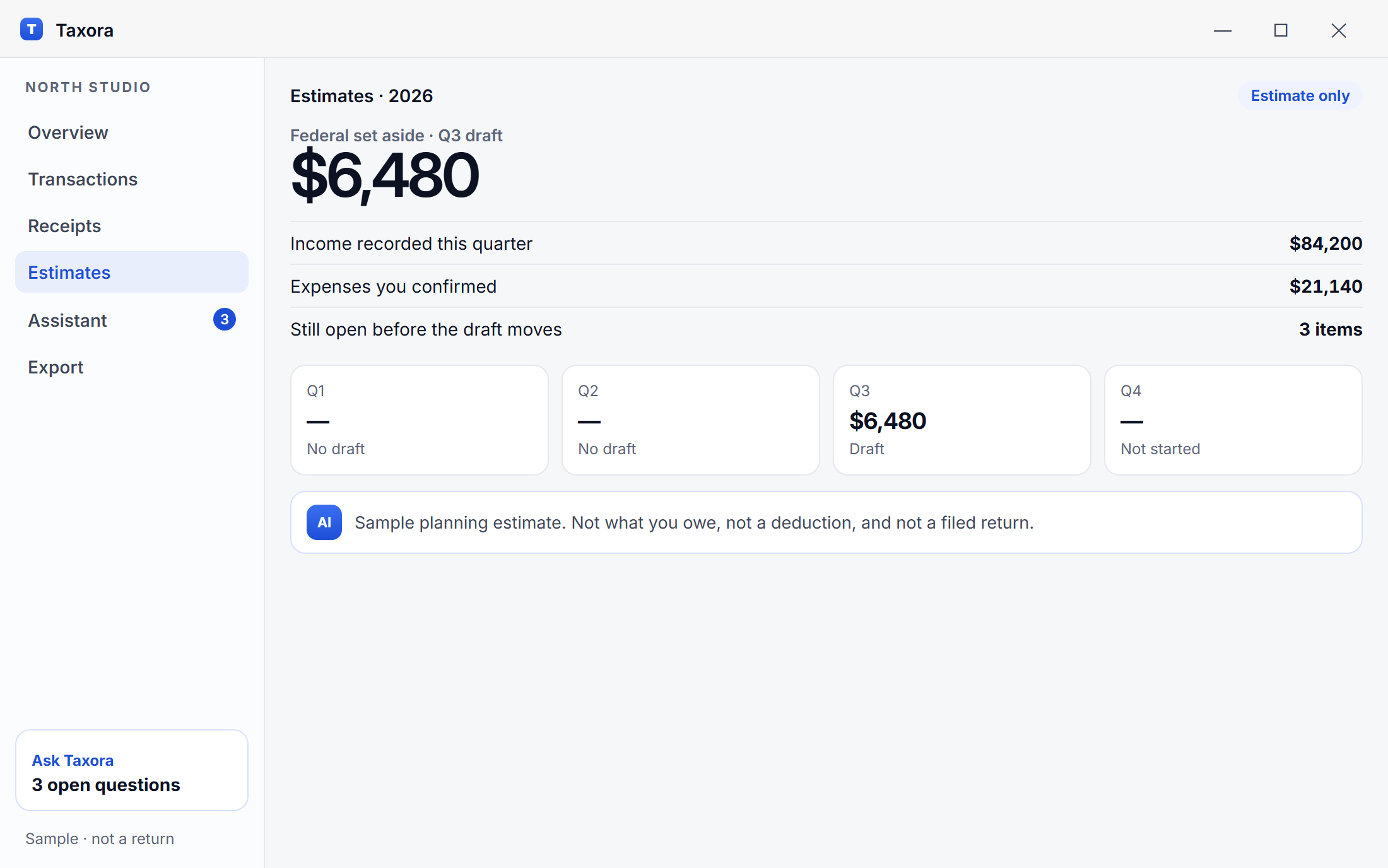
Taxora keeps a running federal estimate from the income you record, and labels it as an estimate.
Email, camera roll, a kitchen drawer, a folder named Taxes. Nothing is in one place when you need it.
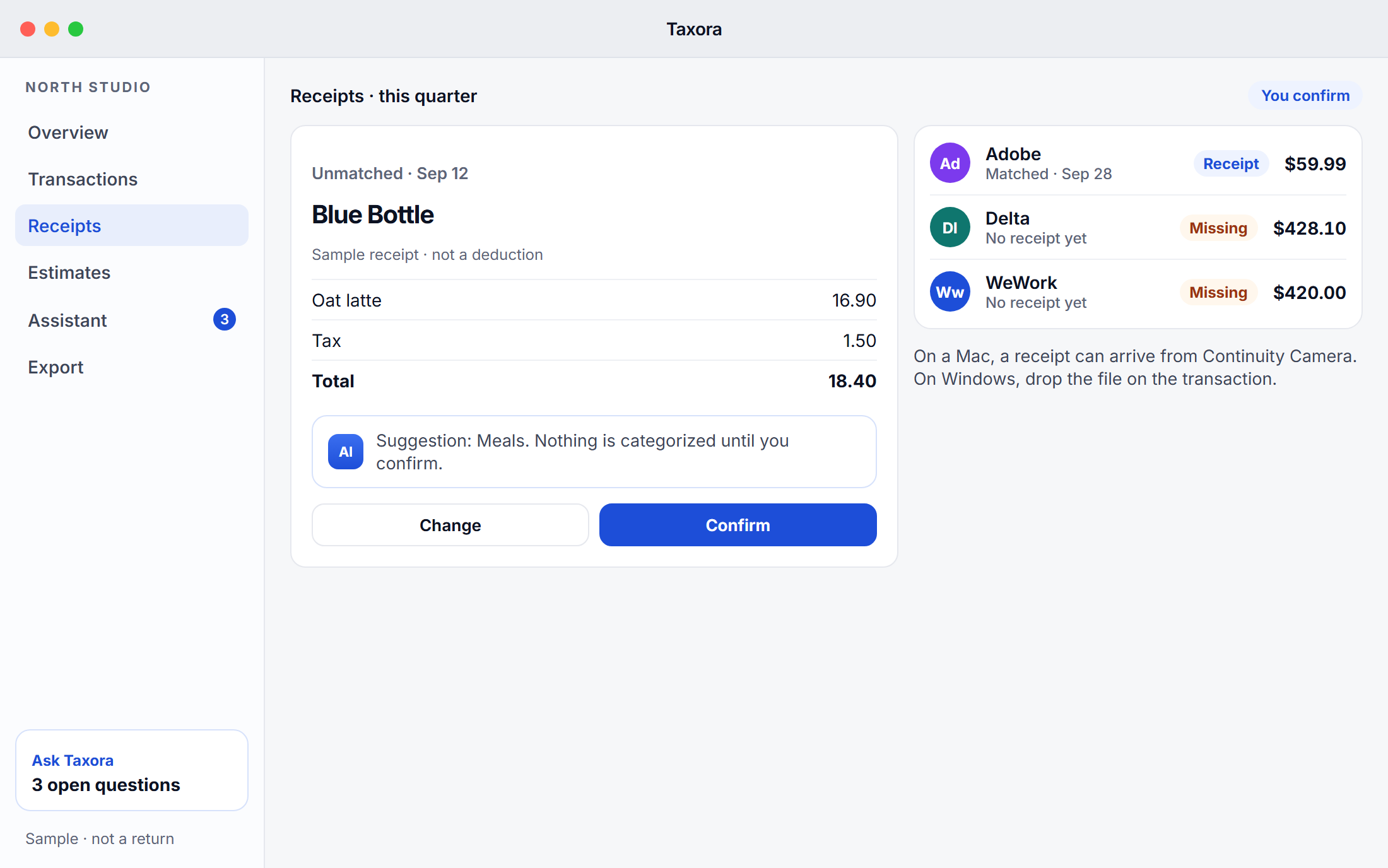
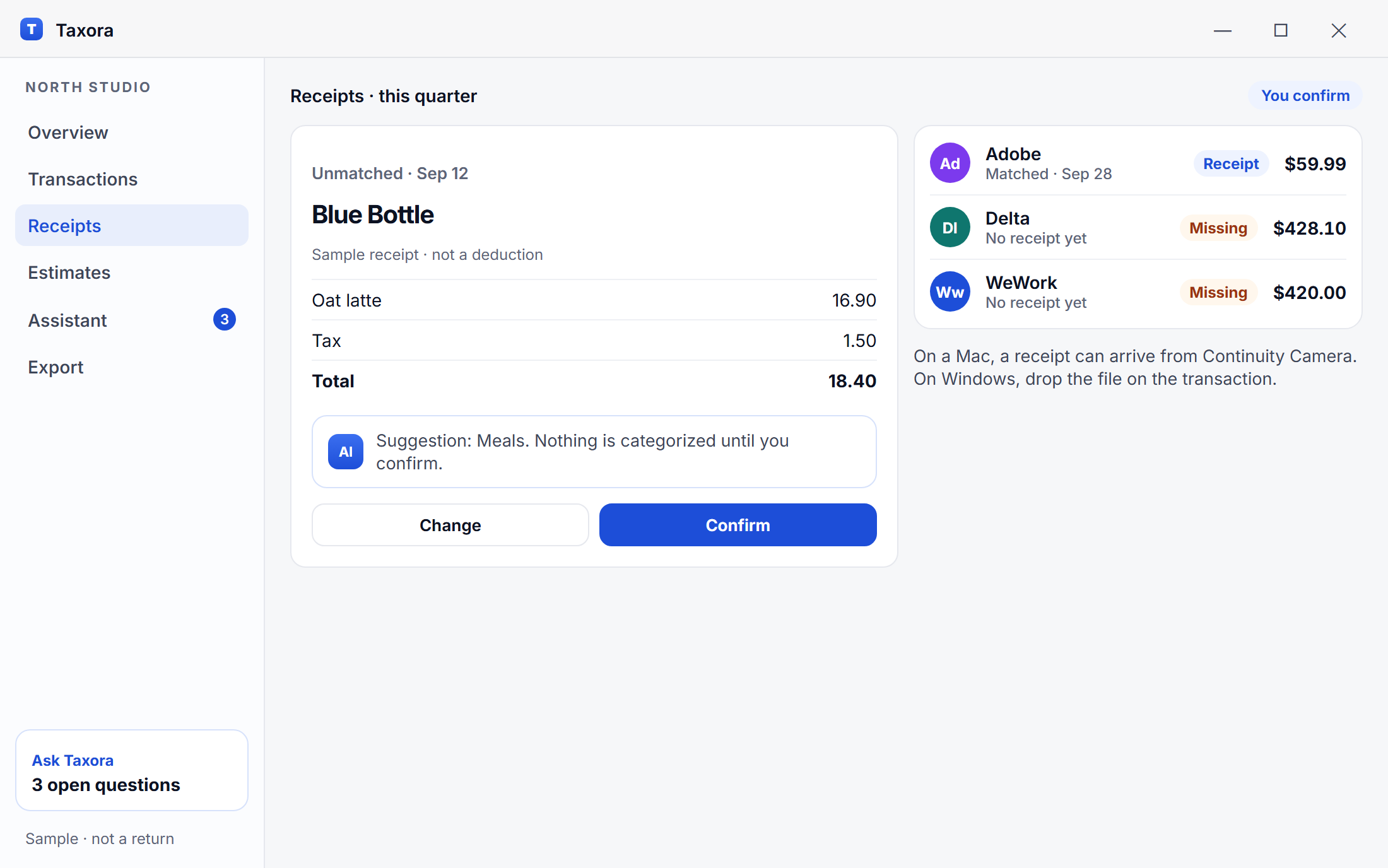
Snap a receipt with Continuity Camera, or drop the file on the transaction it belongs to.
The IRS date arrives and you are rebuilding the quarter from memory and old statements.
The quarter is already grouped: income, confirmed expenses, and the items still open.
They ask for a document you know you have. Finding it takes longer than the call.
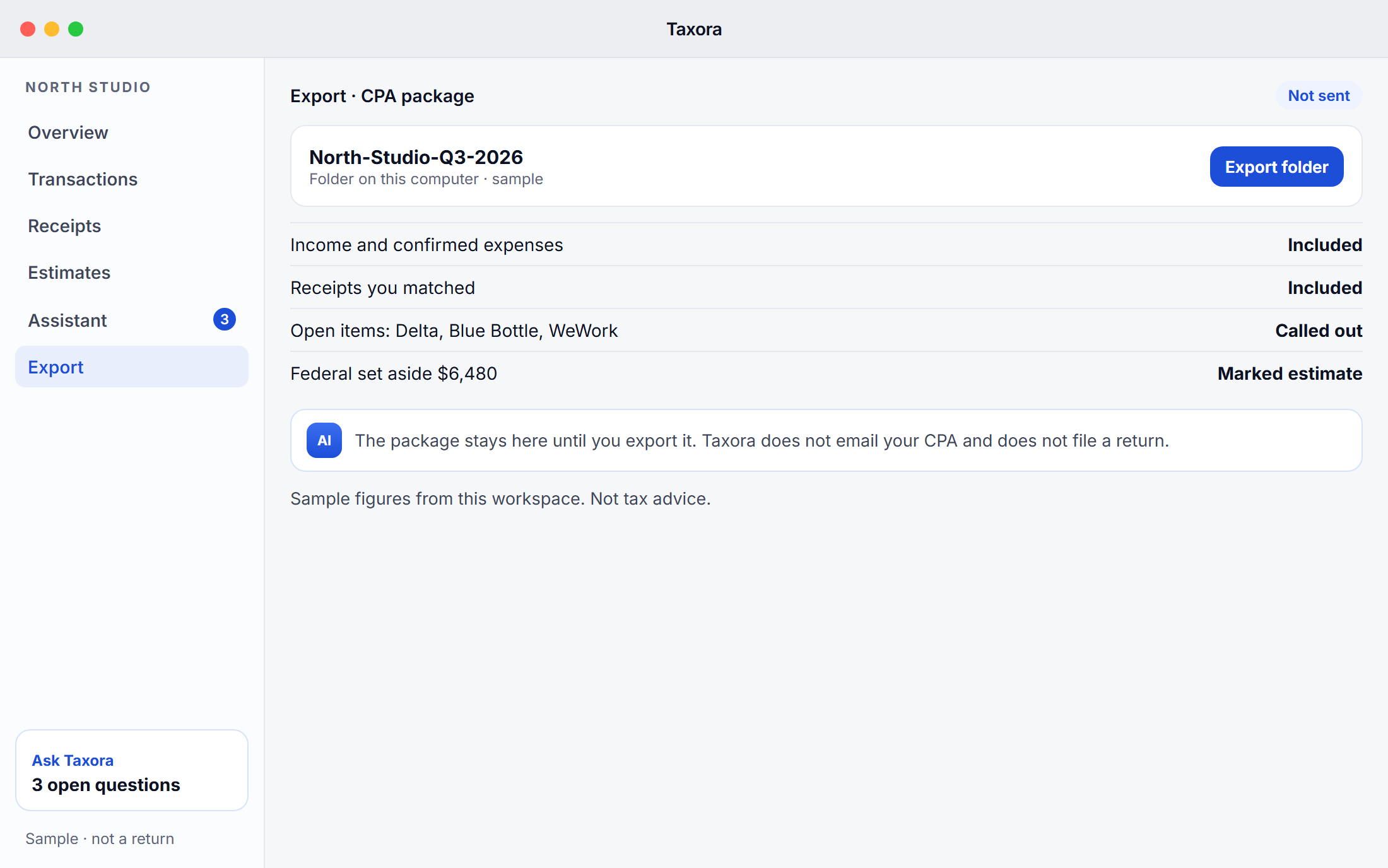
Export one package: summaries, the detail behind them, and the questions you have not closed.
Sample workspace
A consultant’s third quarter, the way Taxora holds it. These figures are a sample. The set aside is a planning estimate, not a return and not a filing position.
The assistant grouped these only after you confirmed each category. This is not a deduction decision.
Open before you export
Income by month
Sample data. Taxora does not file this quarter and does not decide what you may deduct.
Three steps. You stay in review the whole way.
01
Link the banks and cards you choose through Plaid. Access is read only. Taxora cannot move money.
02
Transactions are grouped into categories you can correct. The assistant explains the estimate. You decide what stays.
03
Export a clear package for your CPA: income, expenses, open questions, and the files they asked for last year.
A quiet set of tools for the work between you and your accountant. No filing promises.

See spending as it lands. Separate personal and business, and keep receipts beside the transaction.
A charge with no receipt stays in “to review” until you attach one or mark it personal.

A running figure for what to set aside, updated as income changes. Always labeled as an estimate.
Reminders follow the federal calendar. State figures, when shown, are planning aids only.

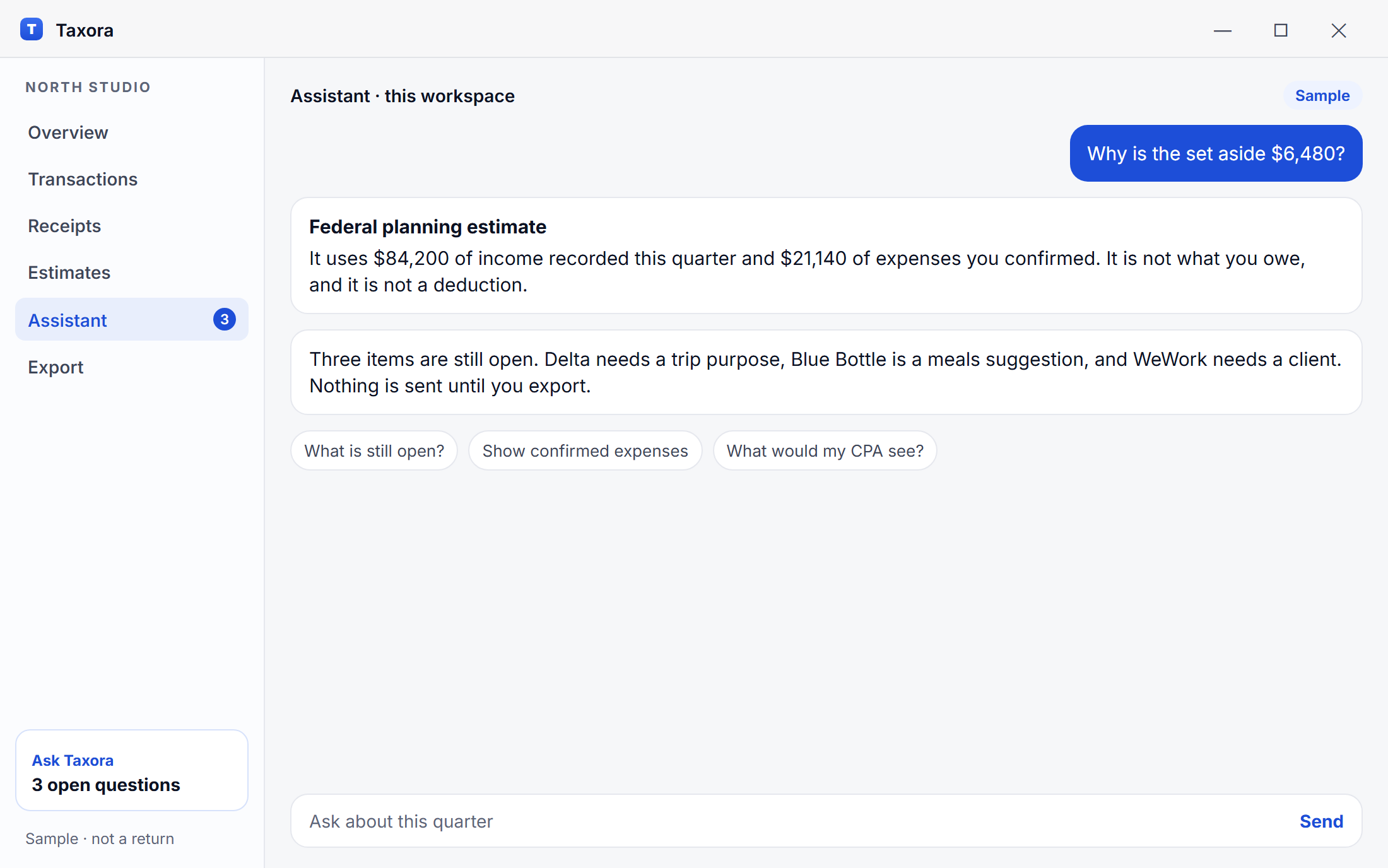
Ask plain questions about your own records. Answers stay tied to your data and are not tax advice.
It will explain a number in your workspace. It will not tell you what you are allowed to deduct.

Income, expenses, and a checklist your accountant will recognize. You choose when to export.
The export includes open questions, so your CPA sees what you have not settled.
Menu bar, keyboard first, and Continuity Camera for receipts. It feels like it belongs on your Mac.
The menu bar shows the set aside and how many items are still waiting on you.

One screen for the set aside amount, the coming quarter, and anything still waiting on you.
Income, confirmed expenses, and the review queue. No second dashboard to learn.
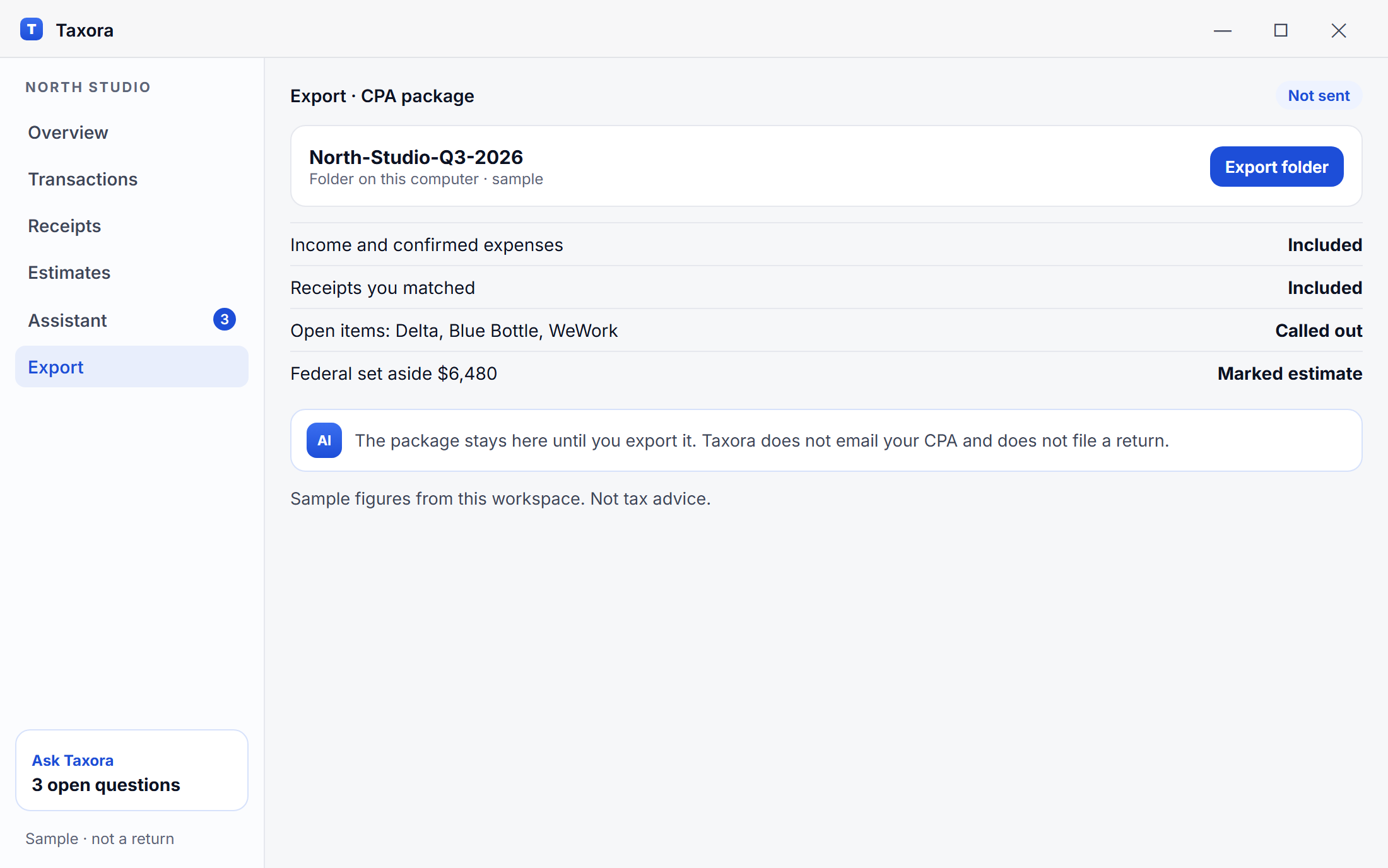
Preview in the app. Taxora does not send the file, and it does not file a return from it.
July $22,400 · August $31,600 · September $30,200. Year to date sits underneath, by client.
Six categories, $21,140. Each line can open to the transaction and the receipt, if you attached one.
Personal charges you marked, and accounts you never connected. They are listed so the gap is visible.
Blue Bottle, Delta, and WeWork are still unresolved in this sample. The package says so instead of hiding them.
$6,480 federal planning estimate. The cover says it is not a return and not a deduction decision.
What leaves your computer
Your accountant gets the quarter in an order they can read. You decide when the file exists. Taxora does not send it, and it does not file anything from it.
 Income, expenses, and what you excluded Receipts matched to transactions Unresolved items called out, not dropped The estimate marked as an estimate
The full product, for 30 days. Same features you would use in a busy quarter.
No credit card required. Cancel anytime.
Available for Mac and Windows. On that computer, the download matches it.
Free 30-day trial · No credit card required
Full access to every feature for 30 days Bank connections through Plaid, or records added by hand Categories you confirm, and an assistant on your own data Quarterly estimates, always labeled as estimates Receipt capture with Continuity Camera A CPA package you export yourself Disconnect a bank or delete the workspacePeople who file US taxes, work on a Mac or Windows PC, and still want a human accountant in the loop.
A few clients, uneven months, and a number you can set aside without rebuilding a spreadsheet every Sunday.
More than one account, a small team, and a CPA who wants the quarter in a folder instead of a thread of emails.
Revenue from a handful of platforms and expenses scattered across cards. Business and personal, kept apart.
Your records should feel as quiet as the rest of your work. Taxora organizes and estimates. It does not take the place of your accountant, and it does not sell what you connect.
 Does not file a federal or state return Does not move money or see your bank password Does not sell transactions or send them to advertisers Does not email your accountant for you
 Data is encrypted in transit with TLS and encrypted at rest. Bank sign-in stays with Plaid.
Your transactions are not a product we offer to advertisers or data brokers. Ever.

Plaid handles the bank login. Taxora receives transactions, not your password, and cannot move money.
Reports are exports you send yourself. Nothing goes to your accountant until you choose the file.
Thirty days of the full app. Connect what you want, confirm the categories, and export a quarter if it is useful. No card on the way in.
Download Free 1-Month TrialAvailable for Mac and Windows. On that computer, the download matches it.
Free 30-day trial · No credit card required
Taxora provides estimates and organization tools only. It is not a substitute for professional tax advice.
No. Taxora organizes records and shows estimates. What you owe, what you can deduct, and how you file should be reviewed with a qualified tax professional. Taxora is not a certified tax advisor.
Bank connections go through Plaid. Traffic is encrypted in transit, and stored data is encrypted at rest. We do not sell your data. You can disconnect a bank from the app, and you can ask us to delete the workspace you created.
The trial includes the full product for 30 days. Near the end we email a reminder so you can export your reports. When the trial stops, new syncing and the assistant pause unless you choose a paid plan. The trial does not ask for a card, so it cannot charge you.
Taxora is for people with US self-employment income. Quarterly reminders follow the federal calendar. State and city figures, where we show them, are planning aids. They are not a filing position. Your CPA confirms what applies where you live and work.
No. The 30-day trial does not require a credit card. You can download Taxora and use the full feature set without entering payment details.
No. Taxora does not file a federal or state return, and it does not decide what you may deduct. It prepares organized records and estimates for you and your CPA to review.
Mac: Apple silicon and Intel, macOS 14 Sonoma or later. Continuity Camera needs an iPhone signed into the same Apple ID. Windows: Windows 10 or later, 64-bit. The download button picks the file for the computer you are using.
Yes. Bank links are optional. You can add income and expenses by hand, attach receipts, and still build the quarterly estimate and the CPA package. A connected account only saves the retyping.
It will not tell you that a deduction is allowed, that a figure is what you owe, or that you can skip your CPA. It explains the records in your workspace and how the estimate was built. A qualified tax professional decides the filing position.